Hostwise
Report your availability.
This is the Hostwise app — where you tell us which days and cities you're free to host. Sign in to update your calendar.
01
Set your cities
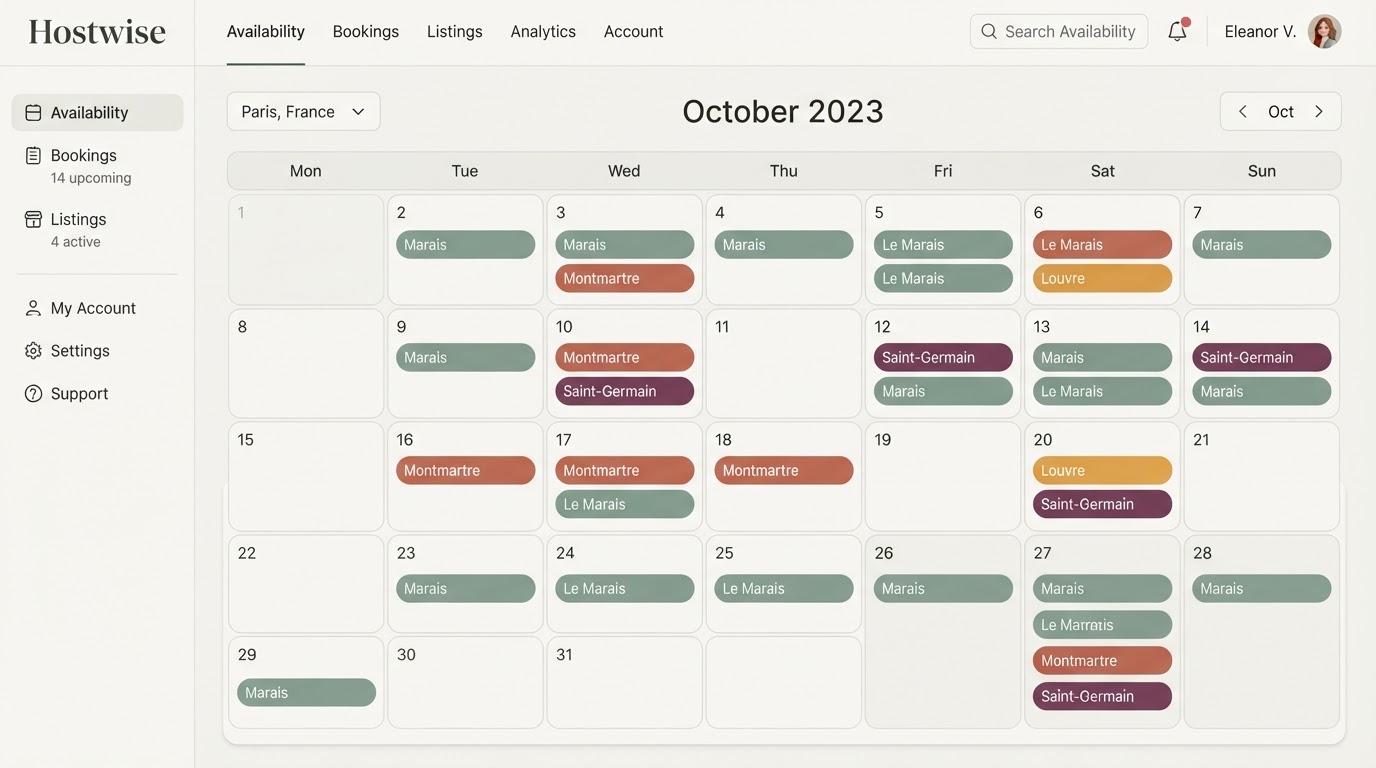
Turn on the cities you offer in Settings — only those appear in your calendar dropdown.
02
Mark the days
In My availability, pick a city and click a day. You can add several cities to the same day.
03
Fill the rest with NO
Mark the other days as NO so we know they're intentionally closed, not forgotten.
New here? After sign-up your account waits for admin approval. You can already set up your cities and profile while you wait.